
Don't have a Sentinel Kids account? Sign up here
Download Sentinel Kids for free
Get everything you need to keep your kids safe online by installing Sentinel Kids now
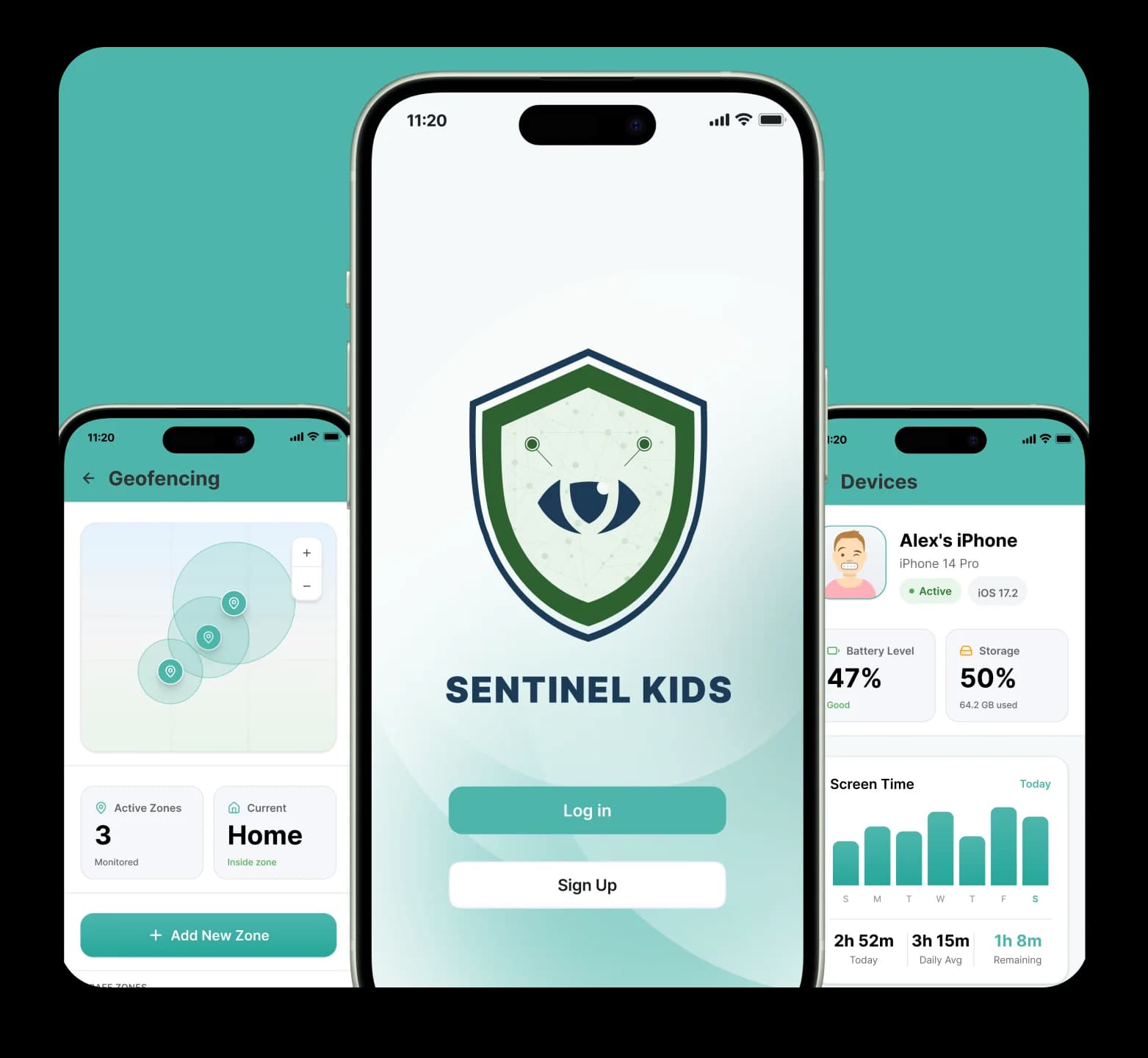
Download on children's devices
Below you can find all the kids' devices that Sentinel Kids can protect. Choose your child's device and install the app to start protecting them.
Companion app installed on your child's iPhone and iPad, iOS/iPadOS 16.0+. Pairs with the parent account and applies parental controls and safety features configured by the parent or legal guardian. Web filtering uses a DNS profile (NextDNS).
DownloadUses supported Android permissions and device-management capabilities to provide configured parental controls. Android 7.0+.
DownloadWindows companion for your child's PC. Applies parental controls configured by the parent, which may include app limits, web filtering, and screen time. Windows 10 (64-bit)+.
Coming soon. Parental controls for your child's Mac are not yet available.
Coming SoonChrome extension that provides safe-search and site filtering directly in your child's browser, including when the desktop app is not installed.
Add to Chrome
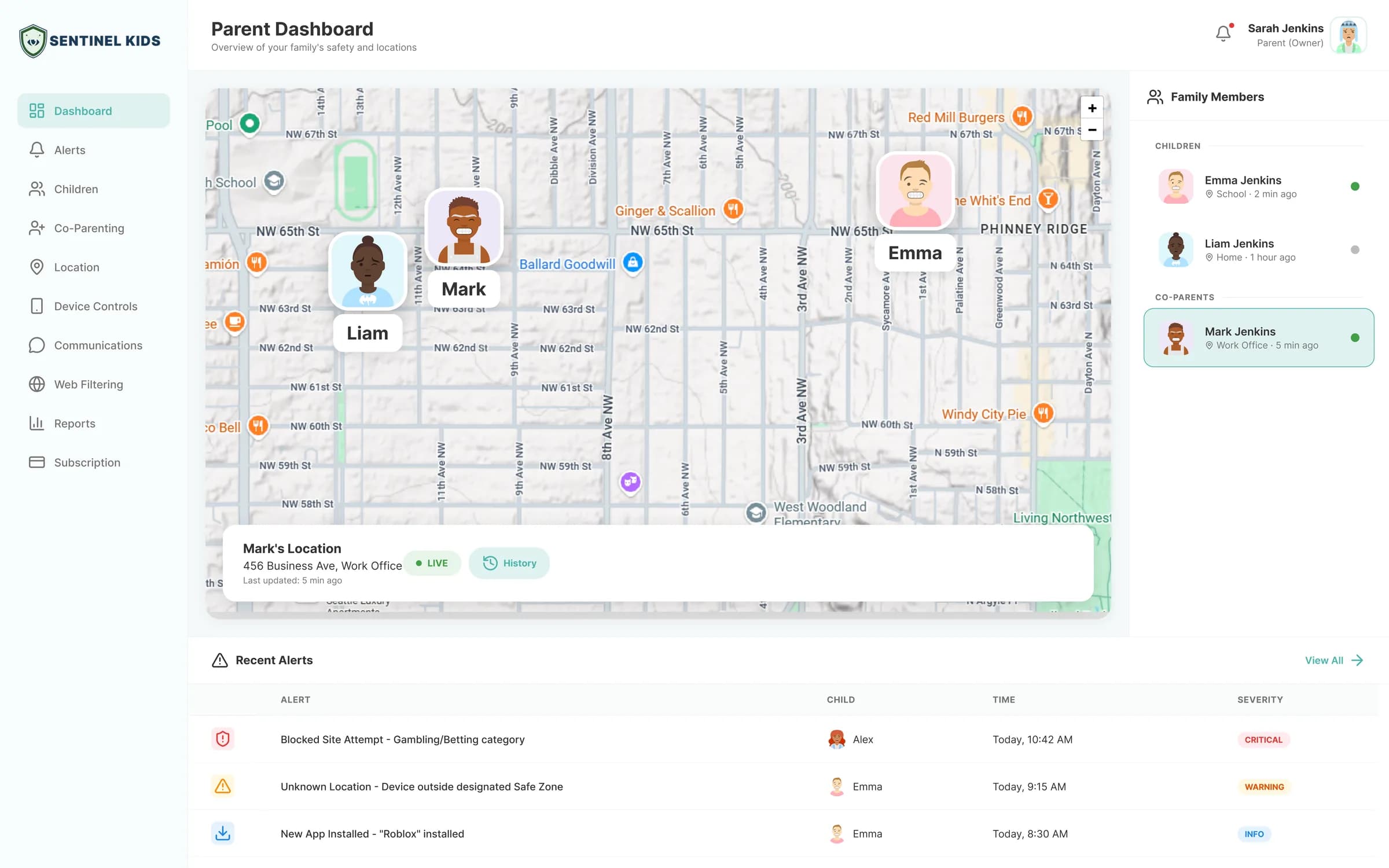
Download on parents' devices
Install Sentinel Kids on your own iOS or Android device, or log in to the web dashboard from any browser.
Integrates with the Screen Time API, App Extension, and iCloud Sync on supported devices. Available on iPhone, iOS 15.1+.
DownloadUses supported Android permissions and device-management capabilities to provide configured parental controls. Web filtering uses a local on-device VPN. Android 7.0+.
Download
Sentinel Kids Web works on any web browser. Manage all devices, view reports, and configure settings from anywhere.
Log in